
How do users report a phishing simulation email in Microsoft 365?
Users who use Microsoft 365 can report a phishing simulation email with the SiberMate Phish Alert button in Outlook.
The SiberMate Phish Alert Button (PAB) is an add-in that allows users to report emails that they suspect could be phishing attempts.
SiberMate Phish Alert Button On Outlook Desktop
The SiberMate Phish Alert add-in will appear on the user's ribbon as per the settings when an email is opened within Outlook. Clicking the Phish Alert button will open a task pane to start the submission process.

SiberMate Phish Alert Button On New Outlook and Outlook Web
The icon for the SiberMate Phish Alert Button in Outlook Web will appear in the actions menu on each email message.
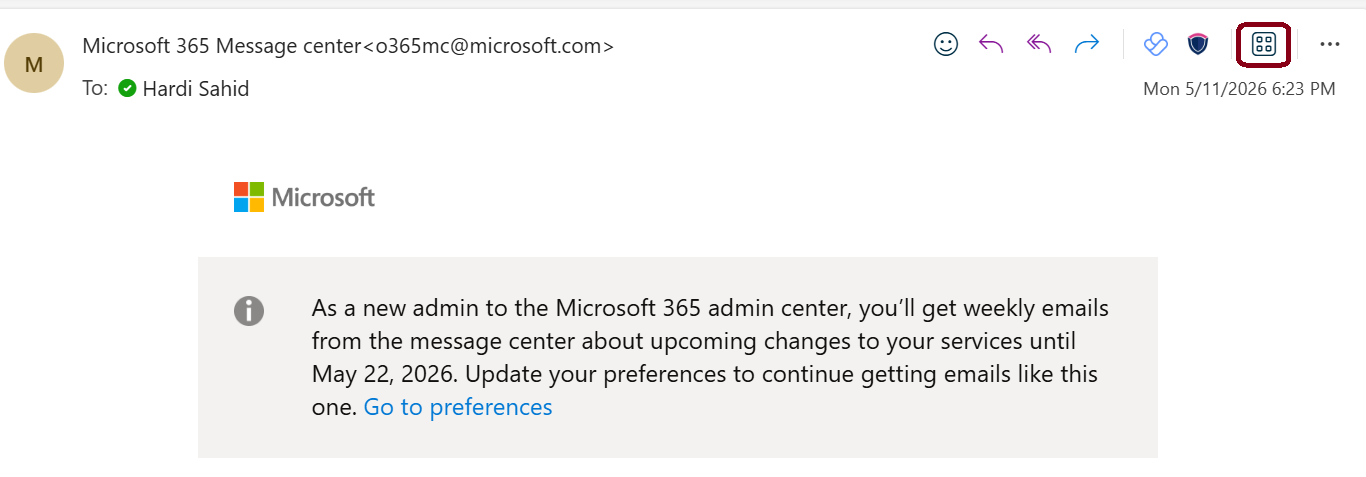
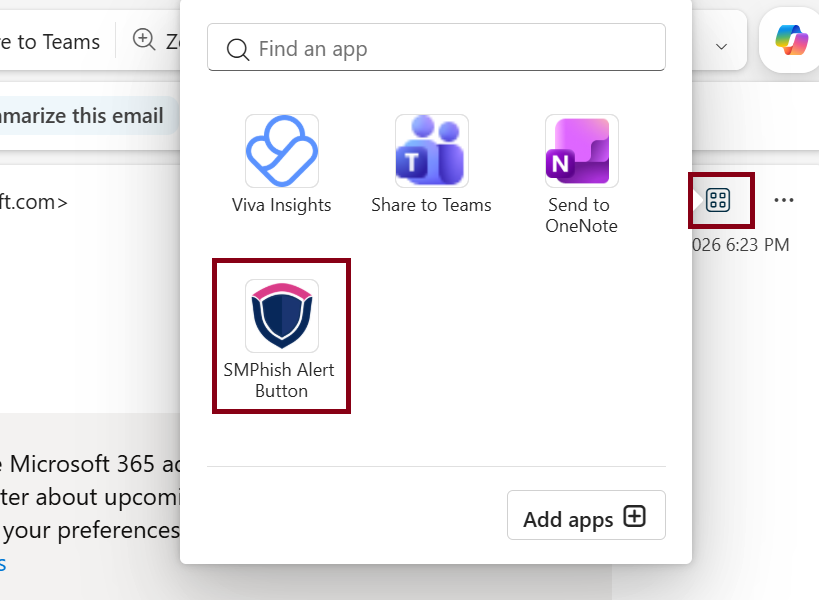
If the SiberMate Phish Alert Button is not in the actions menu, click on the Apps icon in the actions menu of the email message and select it from the dropdown list.